 Warning
Industriedesign überbrückt die Lücke zwischen einer Idee und einem fertigbaren Produkt. Wir beginnen mit Konzepten und visuellen Referenzen, wechseln zu 3D-Modellierung und Rendering in Blender und bauen dann das genehmigte Design als präzises parametrisches Modell in Autodesk Fusion 360 — komplett mit Toleranzen, technischen Zeichnungen und fertigungsbereiten Dateien.
Examples
Unsere Werkzeuge
Zwei Werkzeuge, zwei Phasen — Blender für Design und Ästhetik, Autodesk Fusion 360 für Präzision und Fertigung.
Blender
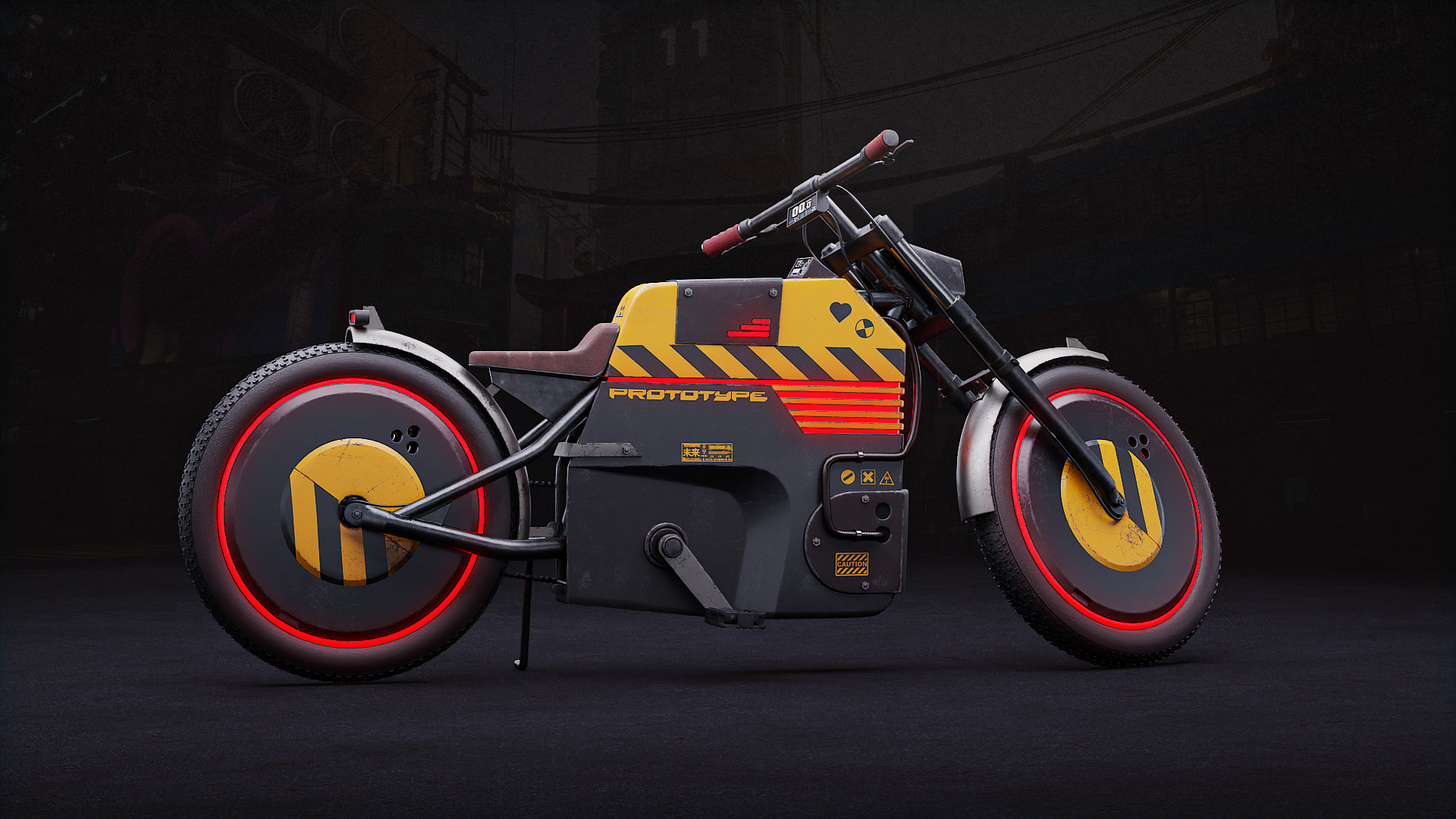
Our concept and visualisation tool. We use Blender for the design phase — organic shapes, surface aesthetics, photorealistic renders, and early prototypes before committing to engineering dimensions.
- Organic & subdivision modelling
- Photorealistic rendering (Cycles)
- Colour & material variant studies
- Animation & product turntables
- STL/OBJ export for early 3D print proofs
Autodesk Fusion 360
Our precision engineering tool. Once the design is approved in Blender, we rebuild it in Autodesk Fusion 360 with exact dimensions, tolerances, and manufacturing constraints.
- Parametric & direct modelling
- Technical drawings with GD&T
- Assembly design & BOM
- CAM toolpath generation
- Simulation & stress analysis
Unser Prozess
Brief & References
We define what the product needs to do, who uses it, and how it should look and feel. Reference images, competitor analysis, and rough sketches set the creative direction.
Concept Modelling
A first rough 3D form is built in Blender — fast, iterative, focused on shape and proportion. No engineering constraints yet, just the right look.
Renders & Approval
Photorealistic renders from multiple angles, with colour and material variants. You review and approve the design before we move to precision engineering.
Technical CAD
The approved Blender design is rebuilt as a parametric CAD model in Autodesk Fusion 360 with real dimensions, tolerances, wall thicknesses, and material properties.
Technical Drawings
Fully annotated 2D drawings with dimensions, tolerances, surface finishes and material callouts — ready to hand to any machine shop or manufacturer worldwide.
File Delivery
You receive all native files plus universal formats (STEP, STL, DXF, PDF). You own everything — no vendor lock-in.
Dateiformate
Wir arbeiten mit allen gängigen CAD-Austauschformaten. Schicken Sie uns, was Sie haben — auch ein Foto oder eine Skizze.
Input formats we accept
Output formats we deliver
Häufig gestellte Fragen
Welche Software verwenden Sie für Industriedesign?
Wir verwenden Blender für Konzeptmodellierung und fotorealistische Visualisierung sowie Autodesk Fusion 360 für präzises parametrisches CAD, technische Zeichnungen und fertigungsbereite Outputs.
Welche Dateiformate akzeptieren Sie?
Wir akzeptieren STEP, IGES, STL, OBJ, FBX, DXF, DWG, .blend, .f3d und auch grobe Skizzen oder Fotos. Wir liefern STEP, STL, DXF, PDF-Zeichnungen und native Fusion 360 / Blender-Dateien.
Gehören mir die erstellten Dateien?
Ja. Sie erhalten alle nativen Dateien plus universelle Austauschformate (STEP, STL, DXF, PDF). Keine Anbieterbindung.
Können Sie für 3D-Druck, CNC-Bearbeitung und Spritzguss entwerfen?
Ja. Unsere CAD-Modelle sind auf Ihren Fertigungsprozess ausgelegt — Wandstärken, Toleranzen und Entformungsschrägen werden von Beginn an berücksichtigt.
Wie lange dauert ein typisches Industriedesign-Projekt?
Die meisten Projekte dauern 1–2 Wochen vom Konzept bis zum fertigungsreifen CAD. Kontaktieren Sie uns für ein Angebot und eine Zeitschätzung.